Home
The Logitech MX experience on Linux, native on Wayland
Actions Ring · Settings app · Haptics · Per-app profiles · MX Keypad · MX Keys S · Easy-Switch · Flow
JuhRadial MX is a native Linux companion for Logitech MX devices. A small Rust daemon talks HID++ to the hardware, an overlay draws the Actions Ring at your cursor, and a Qt/QML Settings app configures everything: buttons, gestures, haptics, scrolling, per-app profiles, Easy-Switch, the MX Keypad's display keys and the MX Keys S backlight. The MX Master 4 gets the full feature set, including its haptic motor; the MX Master 3S and 3 use every control they expose, and most other mice can use generic mode for extra-button remapping. This site is the complete guide.
Quick install
The installer detects your distro, installs the packages it needs (runtime and build dependencies), downloads the newest release (with a prebuilt daemon, so most installs skip the Rust build), sets up the udev rules and autostart, and works for updates too. There are also .deb and .rpm downloads on the releases page, install.sh --user for Bazzite and Fedora Atomic, and a NixOS module. Full steps and per-distro notes: Installation.
Explore
| Page | What's there |
|---|---|
| Installation | One-line install, packages, user-mode install, NixOS, building from source, updating |
| Features | Actions Ring, the Settings app, remapping and gestures, haptics, MX Keypad, MX Keys S, Easy-Switch, Flow, gaming, macros |
| Configuration | config.json reference: buttons, gestures, haptics, keypad, profiles, themes |
| Plugins | Add your own actions to the ring with a folder and a plugin.json |
| Compositor Support | GNOME, KDE Plasma 6, Hyprland, COSMIC, Sway, niri, X11 |
| Troubleshooting | Common problems and how to fix them |
| Architecture | How the daemon, overlay and Settings app fit together, for contributors |
| FAQ | Quick answers to common questions |
What is new in 0.4.5
0.4.5 is out as a beta (Beta 2 as of 25 September 2026) and is feature complete; it is marked beta because so much is new and we want it tested on more hardware and desktops before the stable release.
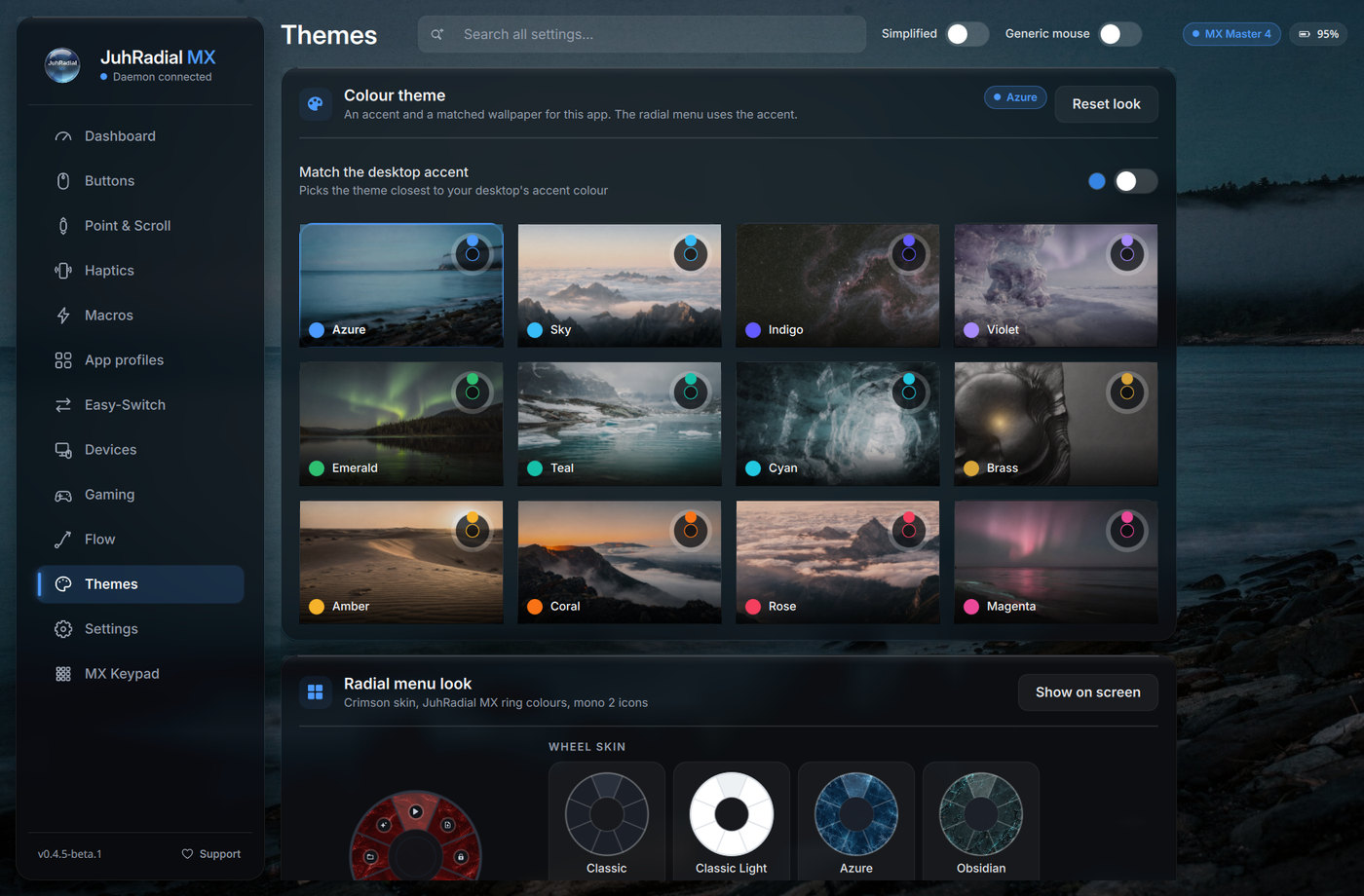
- A new Settings app built with Qt/QML: frosted glass cards over a wallpaper, twelve colour themes with matched wallpapers, search across every setting, keyboard navigation and 18 languages. It runs on Qt 6.4 and newer; the GTK app stays as the fallback below that.
- MX Keypad support: nine display keys with pages, per-app profiles, key art, folders, two-state keys, text keys and shareable packs.
- MX Keys S support (opt-in, beta): battery, backlight, Easy-Switch follow and key remapping.
- Directional gestures: hold the gesture button and drag up, down, left or right, or diagonally, for more actions, with Custom on any direction.
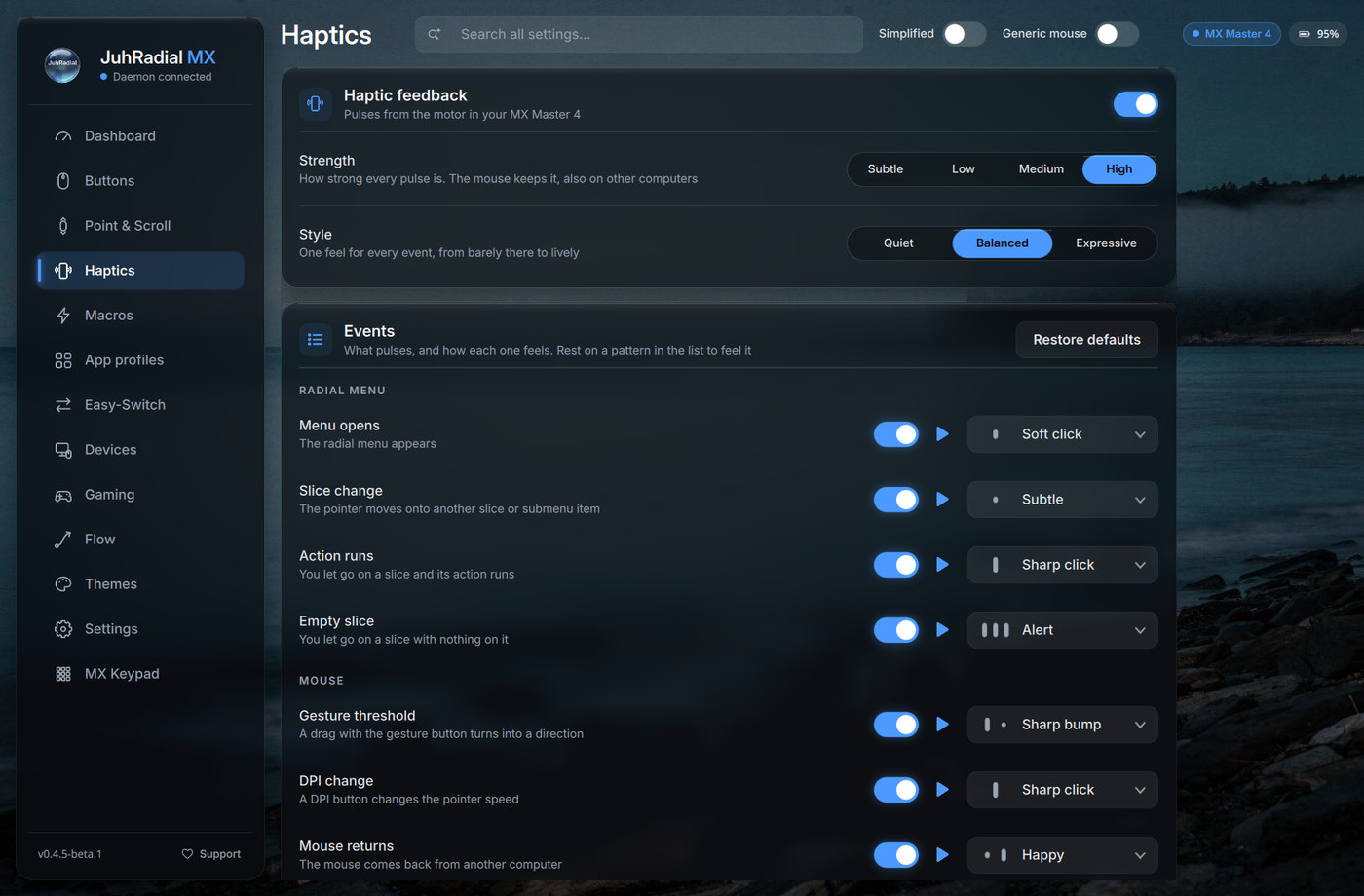
- Deeper MX Master 4 haptics: four strength levels, the Sense Panel press force and a switch and pattern for each event.
- Custom actions on any button, per-app buttons, macros that record and play back on Wayland, gaming mode, plugins, and a one-zip backup of your configuration, profiles, macros, icons and themes.
- More ways to install:
.deband.rpmdownloads, a prebuilt daemon in the release tarball,install.sh --userfor image-based systems, a NixOS module and a native radial menu on niri.
Beta 2 fixes the mouse grab dropping on unrelated input hotplugs (which could leave a button stuck for the whole desktop), macro recording coming back empty, and rounds out the directional gestures. The full list, with credits and issue links, is in the changelog.
A look at it
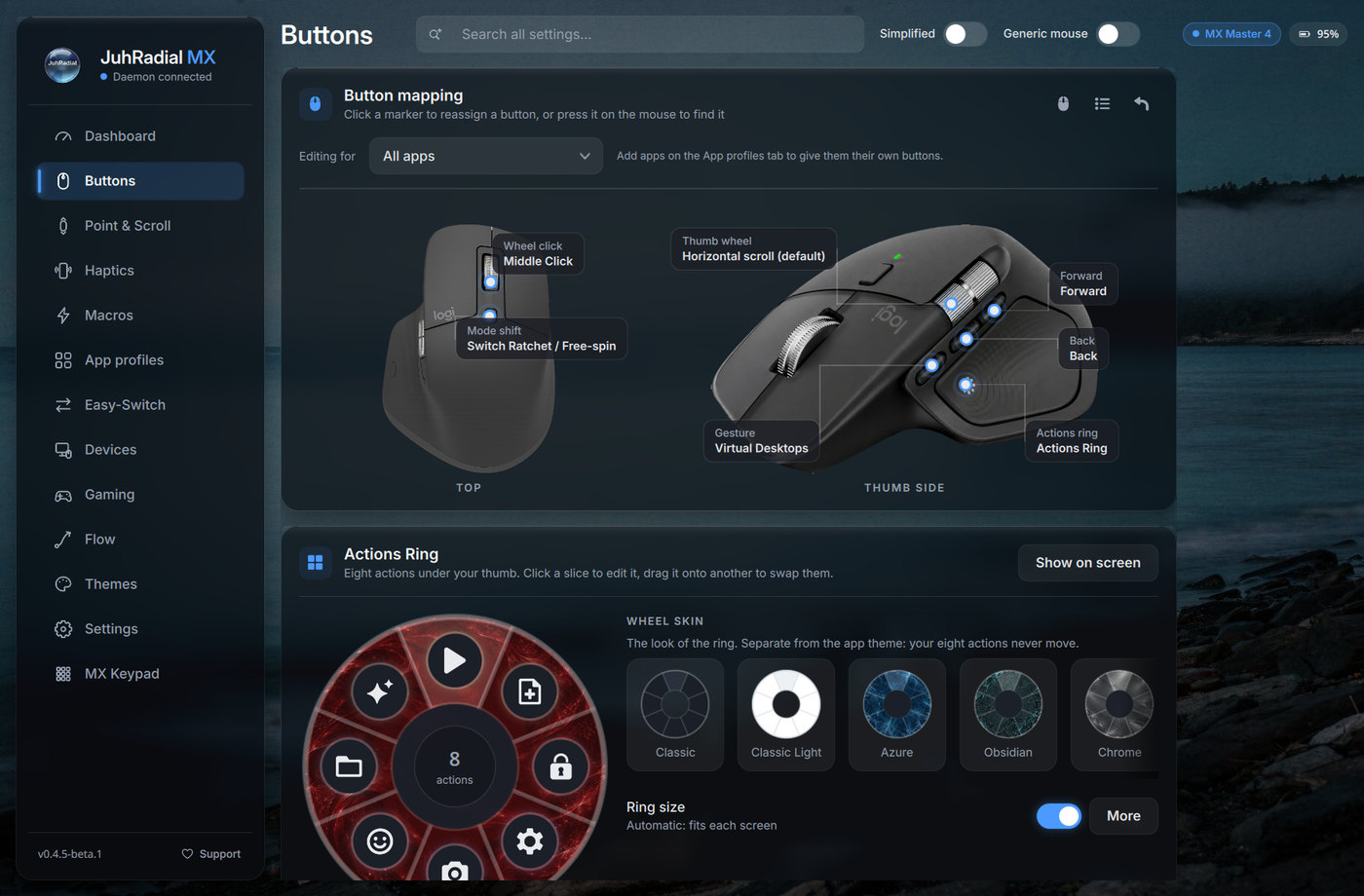
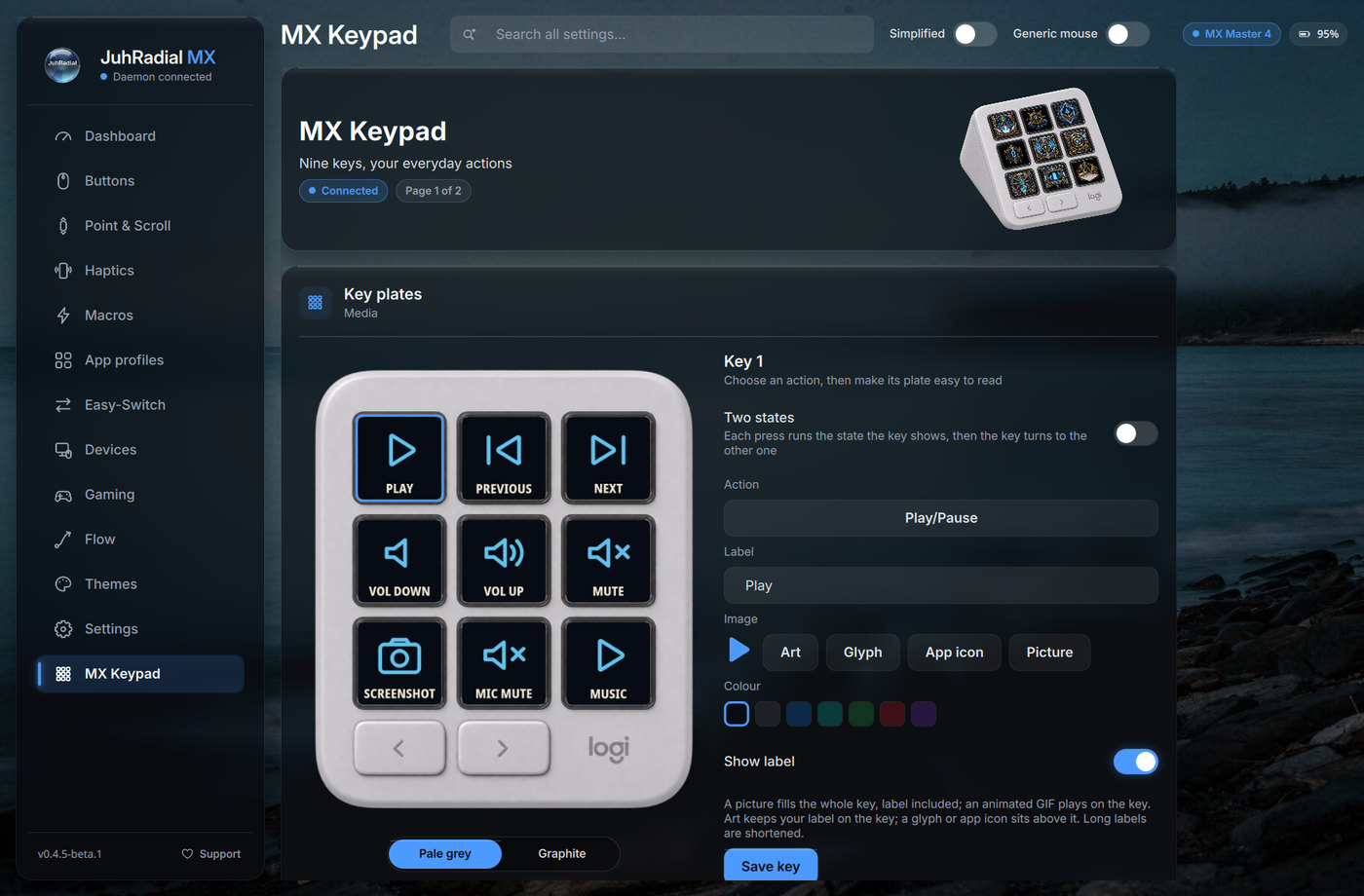
Click a button on the mouse to reassign it, click a slice of the Actions Ring to edit it.
New here? Start with Installation, then skim Features. Stuck? See Troubleshooting or open an issue.