
Generated indicator system
Transparent PNG indicators and metadata-driven spritesheets make the desktop presence feel alive without becoming noisy.
 JuhSpeak
GitHub
JuhSpeak
GitHub
Linux dictation, local by default
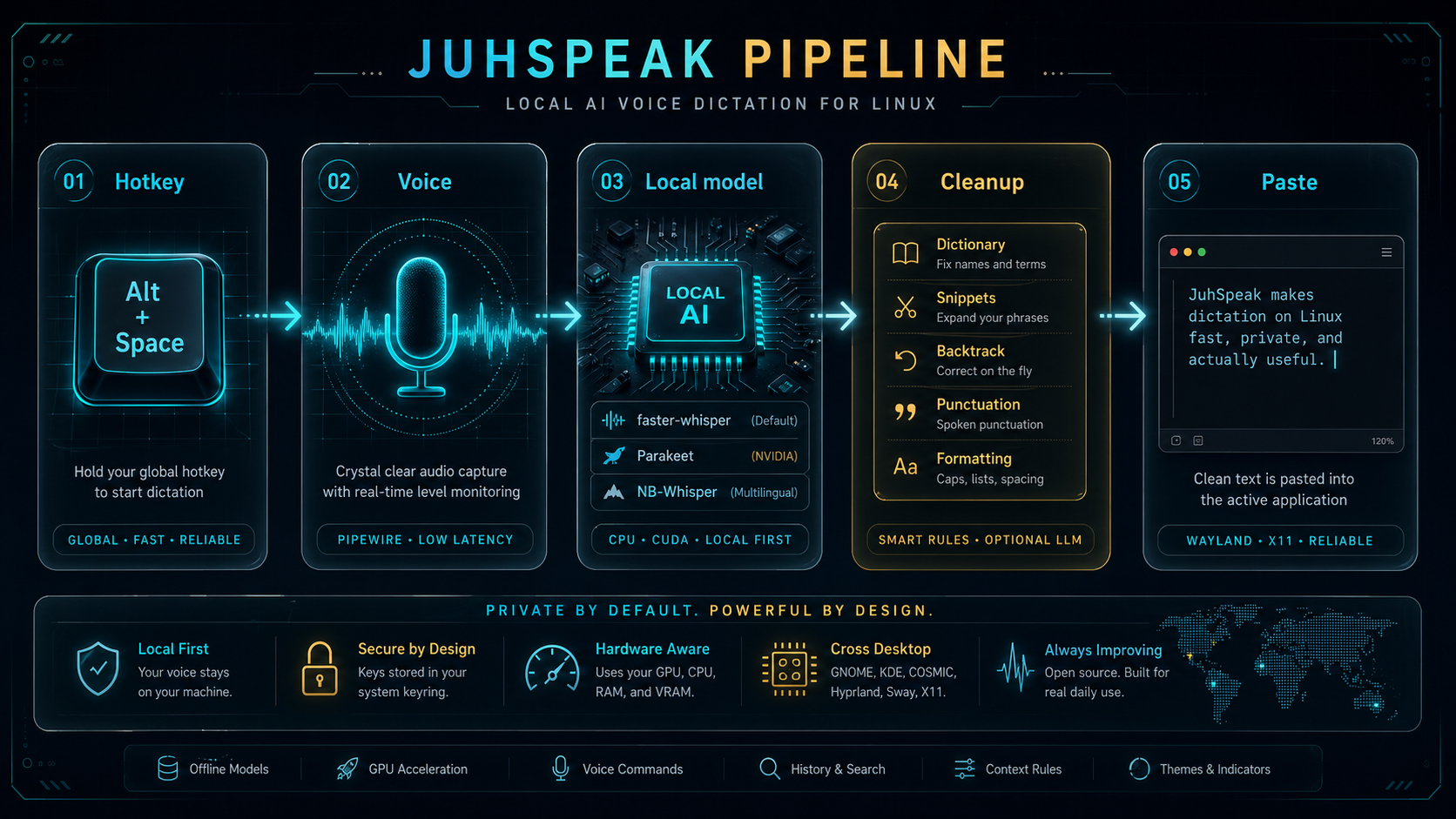
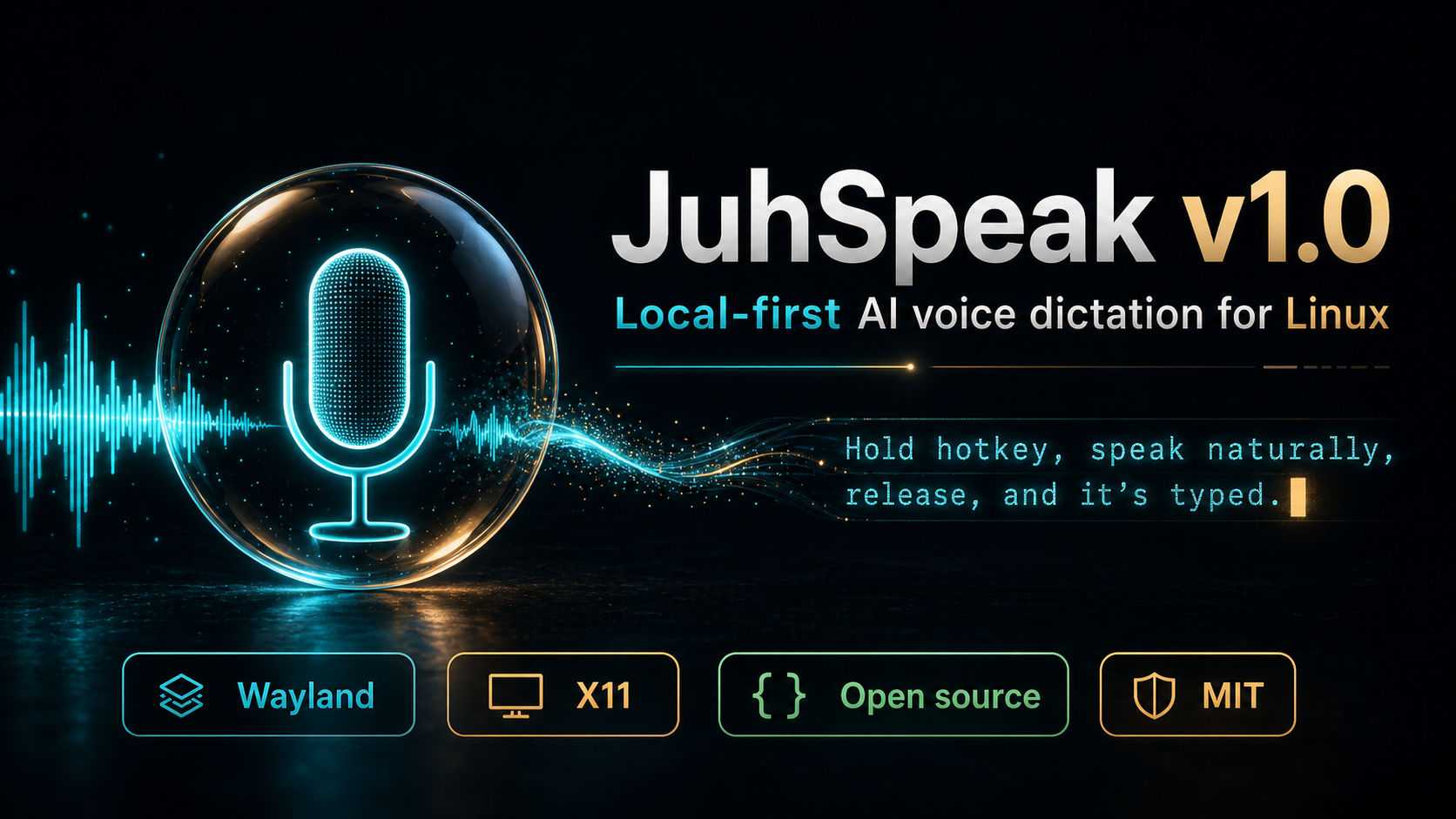
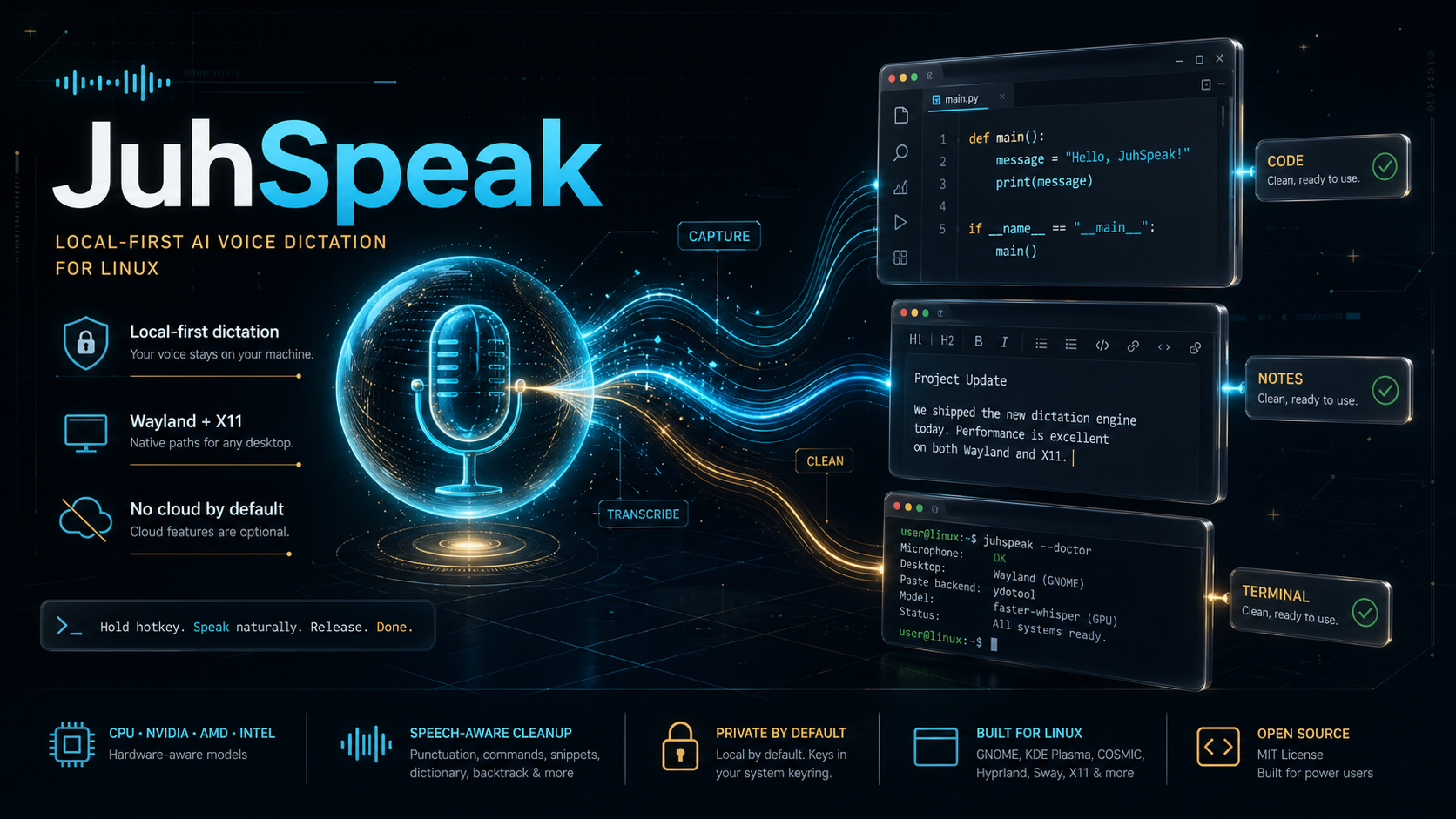
Hold a hotkey, speak naturally, release. JuhSpeak transcribes locally, cleans the text, and pastes it into the focused window on Wayland or X11.
Three commands
JuhSpeak ships with a distro-aware installer, a start script that chooses the correct indicator path, and a doctor that checks the real desktop environment before you rely on dictation.
git clone \
  https://github.com/JuhLabs/JuhSpeak.git
cd JuhSpeak
./scripts/install.sh
./scripts/doctor.py
./scripts/start.shTransparent PNG indicators and metadata-driven spritesheets make the desktop presence feel alive without becoming noisy.
Voice commands, snippets, dictionary corrections, backtrack handling, punctuation, capitalization, and optional LLM cleanup.

NVIDIA, AMD, Intel, VRAM, RAM, CPU, distro, session, and paste backend detection guide setup and model choice.
Control surface
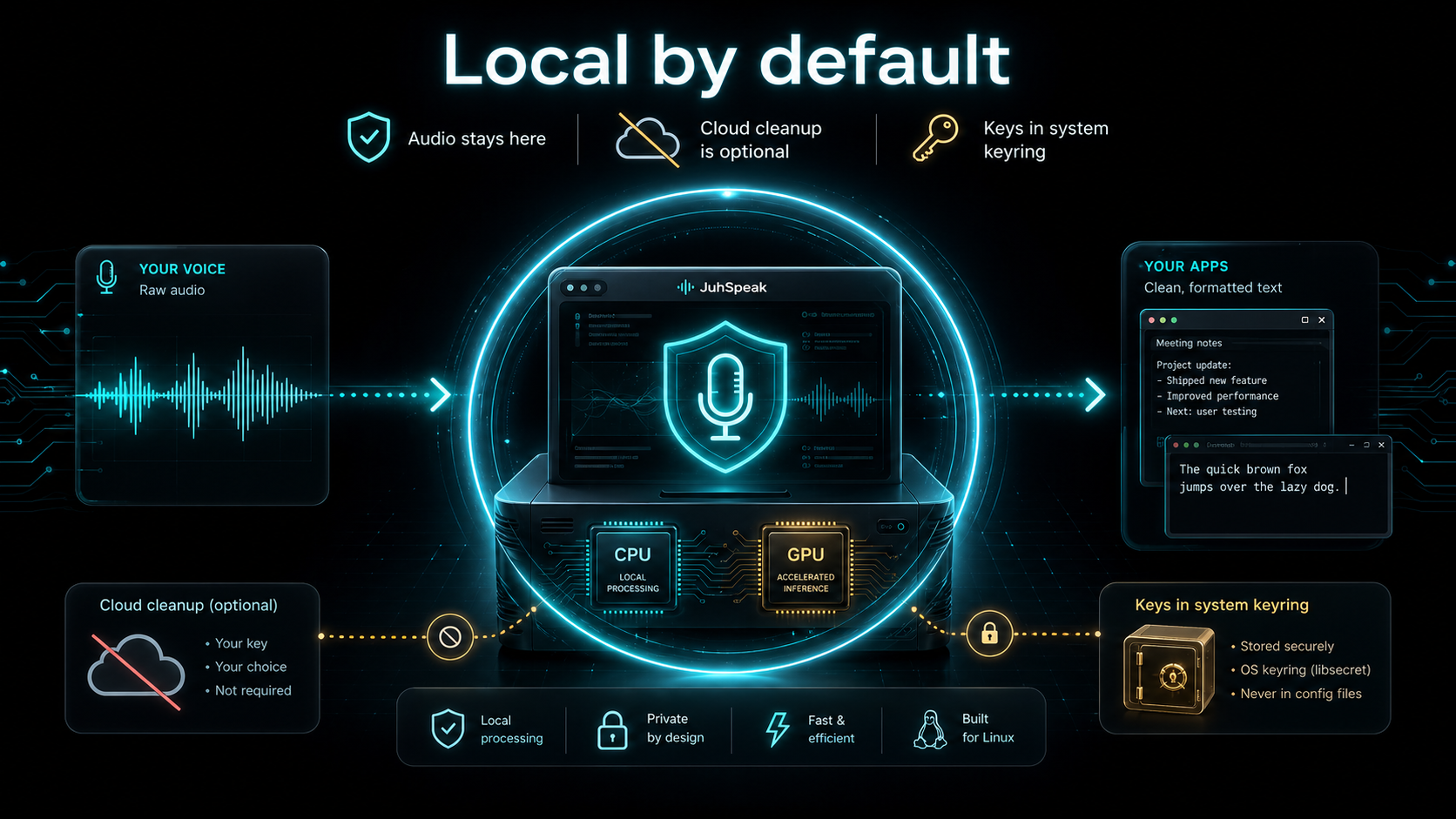
The generated product diagram maps the daily flow: capture audio, run the local model, apply cleanup rules, and paste into the active Linux app.
Privacy posture
Speech recognition runs locally by default. Optional cloud cleanup is bring-your-own-key and stores provider keys through the system keyring, not plaintext config.
v1.0.1
The latest release includes source archives, DEB/RPM packages, release notes, security policy, CI, CodeQL, secret scanning, Dependabot, pip-audit, Bandit, and a GitHub Pages deployment workflow.